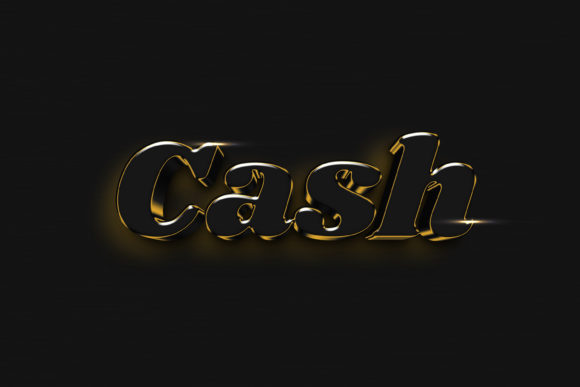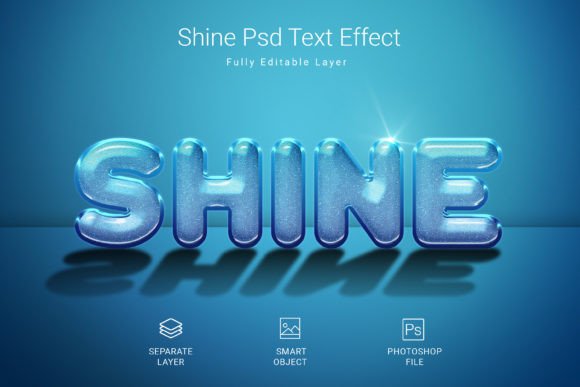
Create Glowing Text with Shine Psd Text Style Effect Mockup
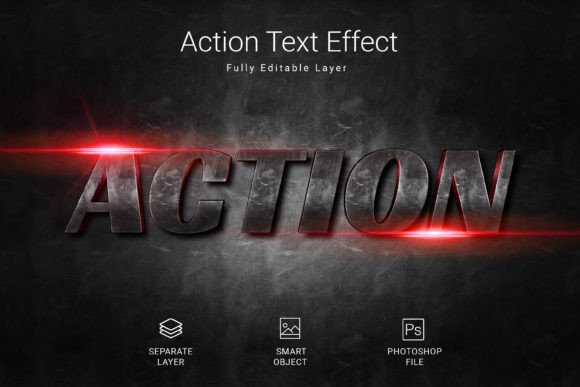
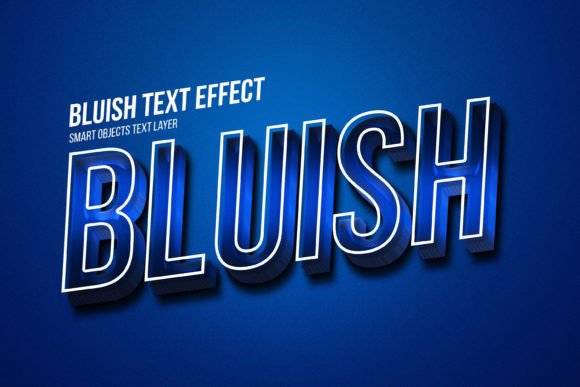
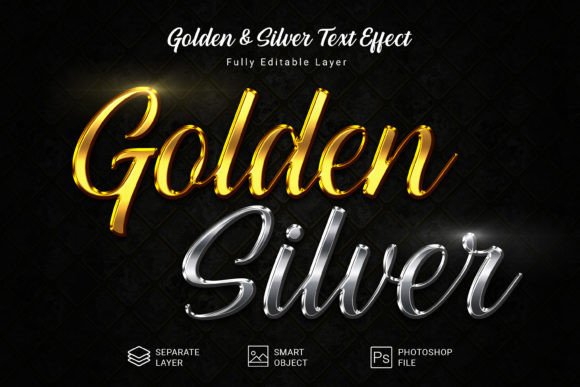
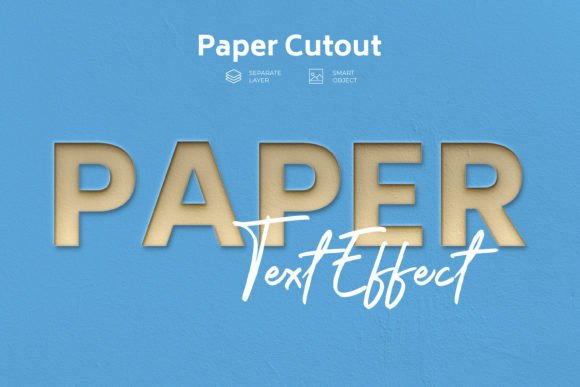
Instantly elevate your typography with a stunning metallic finish that catches the light. This Shine Psd Text Style Effect Mockup provides a rapid, high-quality way to apply a polished, luminous aesthetic to any text, shape, or vector logo. Simply place your design into the smart object, save, and watch it transform with professional-grade lighting and texture effects.
Designed for Speed and Professional Quality
Every designer appreciates tools that save time without compromising on quality. This effect mockup is built exactly for that purpose. The process is effortless: open the PSD file, locate the smart object layer, paste your artwork, and save. The result is a cohesive, eye-catching design ready for immediate use in your projects.
The file comes packed with features designed for serious work:
- A high-resolution canvas at 3000×2000 pixels and 300 DPI, perfect for both digital and print applications.
- Fully editable layers allow for complete customization of colors, textures, and lighting intensity.
- Working in RGB color mode ensures vibrant results for screens, while the resolution supports crisp printing.
- A clean, organized PSD file format makes navigation and editing straightforward.
- Includes a free font to get you started immediately.
Where This Text Effect Truly Shines
Think of any project where you need text to command attention. This effect is exceptionally versatile. It’s ideal for creating impactful logo designs and brand identity materials that require a luxurious or modern feel. Imagine it on a movie poster, event invitation, or product packaging to instantly convey premium quality.
For digital creators, the applications are endless. Use it to design scroll-stopping social media graphics, YouTube thumbnails, or website hero sections. It’s also perfect for merchandise like t-shirt designs, mug prints, and sticker sheets. The effect adds a tangible sense of depth and realism to flat designs, making them stand out in a crowded marketplace.
Tips for Integrating This Style into Your Work
To get the most out of this asset, consider a few practical design principles. First, always check the readability of your final text, especially at smaller sizes. The shine effect works best with clear, bold typefaces—like a strong sans serif font or a classic serif font—where the lighting can enhance legibility rather than obscure it.
Second, match the mood of the effect to your project’s tone. A metallic shine suits tech, automotive, luxury, or celebratory themes exceptionally well. For a cohesive brand identity, ensure the style aligns with your other visual elements. Don’t hesitate to experiment with font pairing; combine a shining headline with a clean, simple body font for balanced editorial design or web design.
Finally, always verify the license of any design assets you use, including this mockup and the included font, to ensure they fit your intended commercial or personal use. A well-chosen creative font and effect do more than decorate; they build recognition, convey a message, and add a layer of professional polish that elevates the entire project. Investing in quality typography and effects is investing in clear, powerful communication.