Create Stunning Gold Outline Text Effects
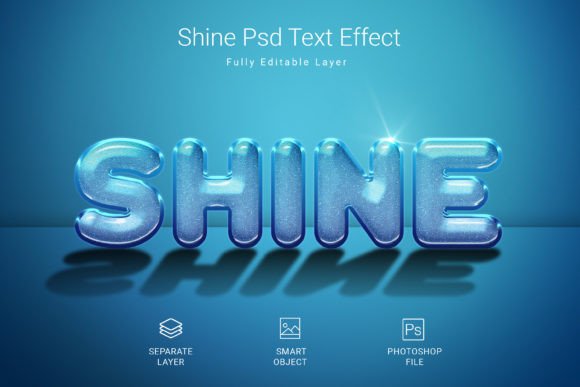
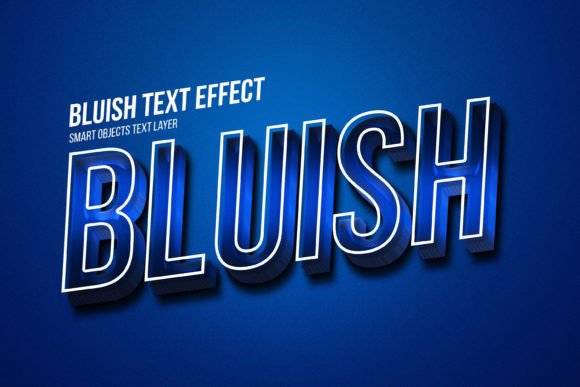
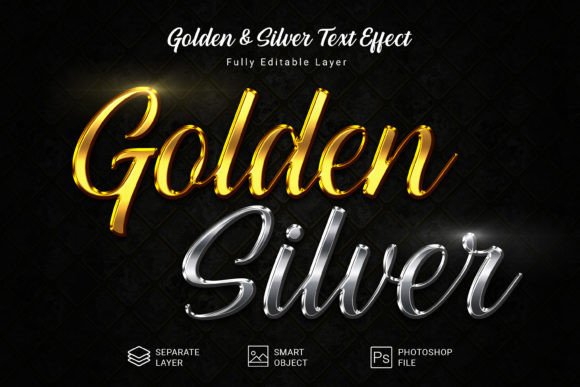
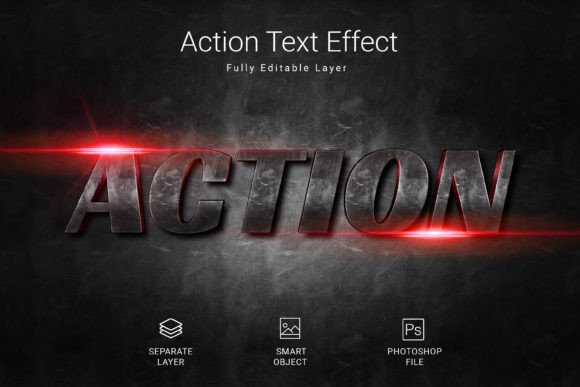
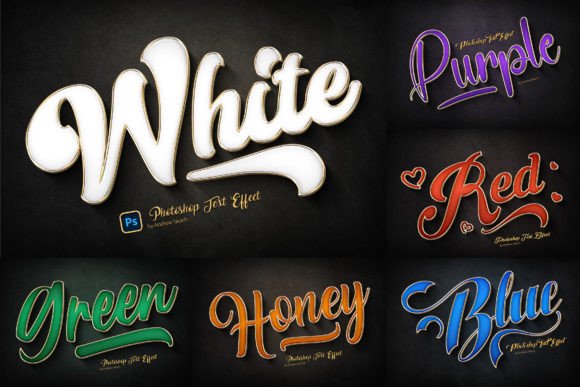
Imagine instantly elevating your design projects with a touch of opulence and sophistication. Gold Outline Text Effects offer a straightforward yet powerful way to present your text, shapes, or logos in a truly luxurious style. This collection provides shining gold outlines combined with colorful enamel details and dynamic long shadows, creating an immediate visual impact that captures attention.
The beauty of these metal gold outline effects lies in their simplicity and versatility. Using smart objects in Adobe Photoshop, you can seamlessly integrate your own designs. Simply place your artwork into the designated layer, and the effect is automatically applied, saving you hours of manual work while delivering professional, polished results.
Practical Applications for Every Creator
These assets are incredibly useful for a wide range of creative and commercial projects. If you need to create a memorable brand identity, a striking logo, or impactful social media graphics, this style adds instant prestige. Consider how a golden outline could transform a simple wordmark into an emblem of quality for a luxury brand, a high-end product label, or a special event invitation.
Think beyond traditional logo design. These effects are perfect for crafting eye-catching posters, cinematic title sequences, elegant website banners, or compelling YouTube and Facebook covers. The long shadow and enamel details add depth and dimension that flat colors cannot achieve, making your designs more engaging and professional.
Features Built for Design Flexibility
This package is designed with the user's workflow in mind. The files are well-organized and 100% editable, allowing for complete creative control. You can adjust colors, scale elements, and modify the effects to match your specific vision.
- High-Resolution Output: Each of the 6 PSD files is set at 300 DPI with a generous 3000x2000 pixel canvas, ensuring your designs are print-ready and look crisp on any digital screen.
- Smart Object Integration: The core feature enabling the easy application of the gold outline effect to any text layer, vector shape, pixel layer, or folder group.
- Complete Kit: You receive 6 Photoshop templates, 6 example JPG images for inspiration, and a detailed PDF help file with font download links and video instructions to get you started immediately.
Tips for Choosing and Using Display Fonts
When incorporating any premium font or design asset like this into your work, a few considerations ensure the best outcome. First, always check the readability of your final text, especially at smaller sizes. A stunning outline effect should enhance your message, not obscure it.
Match the font's mood to your project. The inherent luxury of gold effects pairs well with themes of elegance, celebration, achievement, and premium quality. It's less suited for minimalist or ultra-casual designs where such ornamentation might feel out of place.
Successful design often involves thoughtful font pairing. A bold, outlined display font like this works beautifully as a headline or logo typeface. Pair it with a clean, simple sans-serif font for body text to maintain balance and ensure your message is communicated clearly. This contrast allows the decorative font to shine without overwhelming the overall layout.
Finally, always verify the license of any font download or design asset to confirm it fits your intended use, whether for personal projects, client work, or commercial products. Choosing the right tools is a fundamental step in creating cohesive, professional, and visually consistent designs that effectively build brand recognition and leave a lasting impression.